
macOS seamless authentication
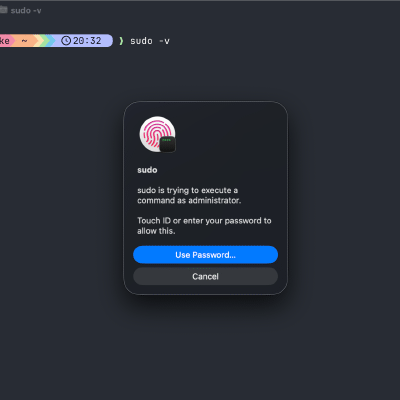
If you do anything admin-related on macOS, you know the drill: a random dialog pops up, you type your password, you continue… and repeat that 20 times a day. GUI prompts (System Settings, installers, “needs your password”, …) can use Touch ID and often Apple Watch confirmation. Terminal sudo can be upgraded to use Touch ID as well (so you don’t have two authentication experiences). Clamshell reality check: Touch ID for sudo only works when a Touch ID sensor is available. With the MacBook lid closed, the built-in Touch ID button isn’t usable — you’ll need an external Touch ID keyboard. Apple Watch can approve many GUI prompts, but it won’t replace the password prompt for sudo. ...